mirror of
https://github.com/lptstr/winfetch.git
synced 2026-08-28 02:34:13 -05:00



A command-line system information utility for Windows 10



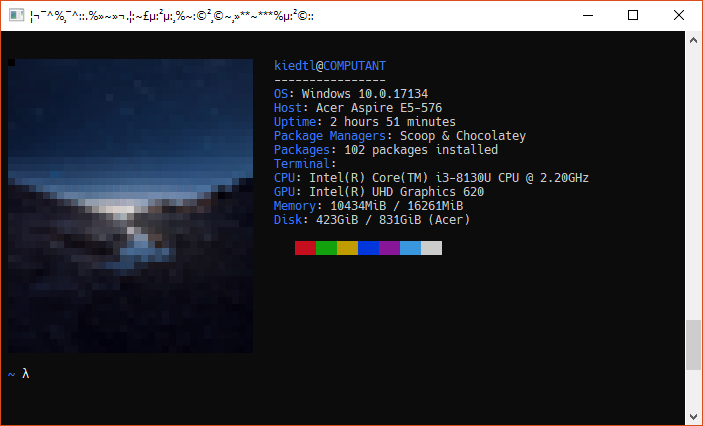
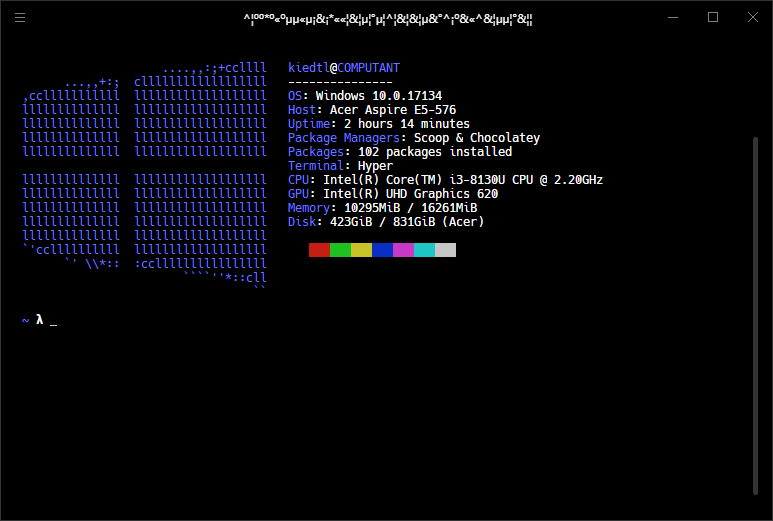
Winfetch is a command-line system information utility written in PowerShell 6 for Windows. Winfetch displays information about your operating system, software and hardware in an way similar to Neofetch and Screenfetch.
Winfetch curently supports Windows 10; Windows 7 and Windows 8 have not yet been tested. It is highly recommended to use Winfetch with PowerShell Core; errors may appear if any other version is used.
While Winfetch does work in the majority of cases, things may break occasionally. Please report all such bugs here.
Why use Winfetch?
- You don't have any other choices.
- Winfetch isn't bloated. The whole thing is ~15KB and 500 lines of pure PowerShell, counting comments. Compare that to Neofetch, which is about 280KB and 7,500 lines of code.
- No need for the WSL, Cygwin, or MSYS2. While you need to install the WSL (Windows Subsystem for Linux) to run Neofetch, all you need to use Winfetch is PowerShell 6 (or later), which you probably already have installed.